
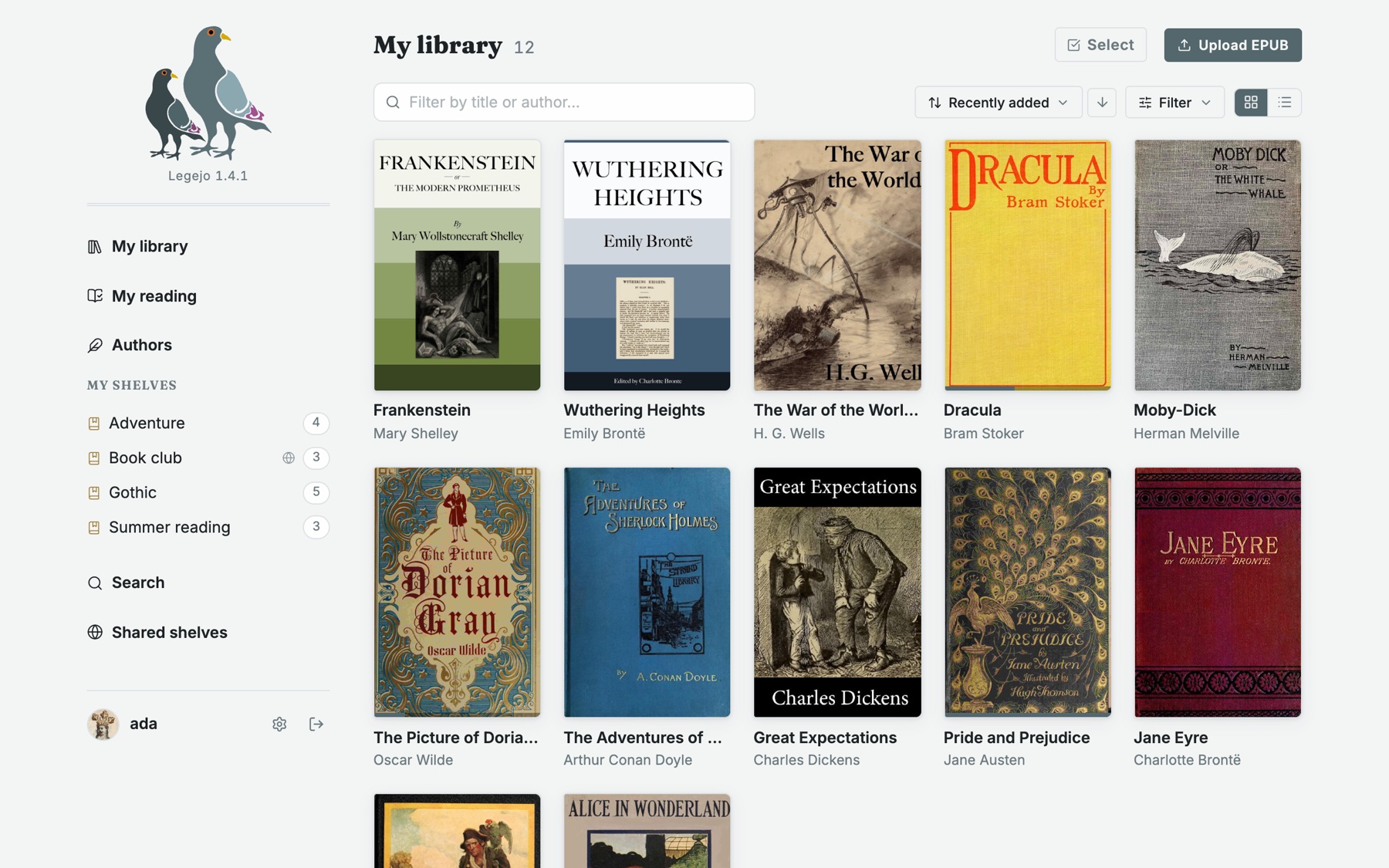
What it does
-
Fast and light
Built from the ground up in Rust and SvelteKit. One small container that idles at around 30 MB of memory, at home on a Raspberry Pi.
-
Made for e-readers
Kobo sync, KOReader sync and OPDS are part of the core, not plugins. Books, shelves and reading progress stay in step.
-
A reader in the browser
Themes, typefaces and margins to taste, search inside the book, and reading aloud with the voices your device already has.
-
Looks after your files
Every upload gets a health check, and what can be mended is mended. Title, author, series and cover are written back into the EPUB itself.
-
Shelves to share
Keep a shelf to yourself, share it with the people you choose, or with everyone on your instance. They can copy the books into their own library.
-
Part of the fediverse
Shelves of free books can be followed from other Legejo instances, and from Mastodon, over ActivityPub.
-
Ready for your assistant
A read-only MCP server lets the AI assistant you already use search your library and read your books. Off until you turn it on.
-
Free, and yours
Open source under the AGPL. No paid tier, no telemetry, and an export of everything whenever you want it.
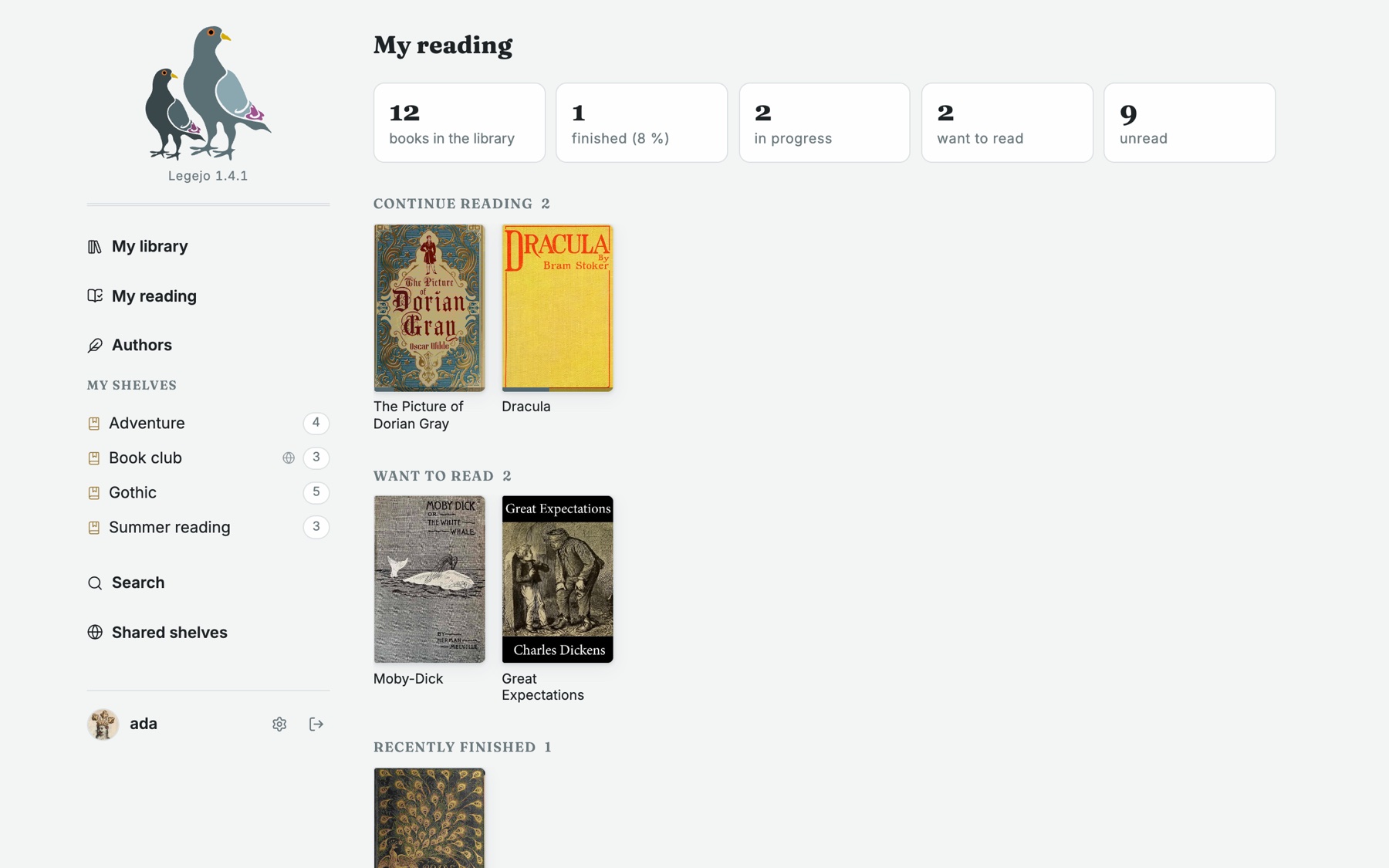
Know what you are reading
A page of your own for what you have open, what you want to read next and how the year has gone, whichever device you read on.
Legejo does one thing: EPUB. If your library is mostly PDFs, comics or audiobooks, another tool will serve you better.
Up in a minute
SQLite is built in, so there is nothing else to set up. PostgreSQL is there if you want it.
curl -O https://raw.githubusercontent.com/jularboolean/legejo/main/docker-compose.yml
docker compose up -d
docker compose logs legejo | grep -A3 Bootstrap
Open http://localhost:3000 and log in as admin with the password printed in
the log. The image is published for amd64 and arm64 as
slurvdjur/legejo.